01
The stems message: this computer might not be able to handle real-time stems
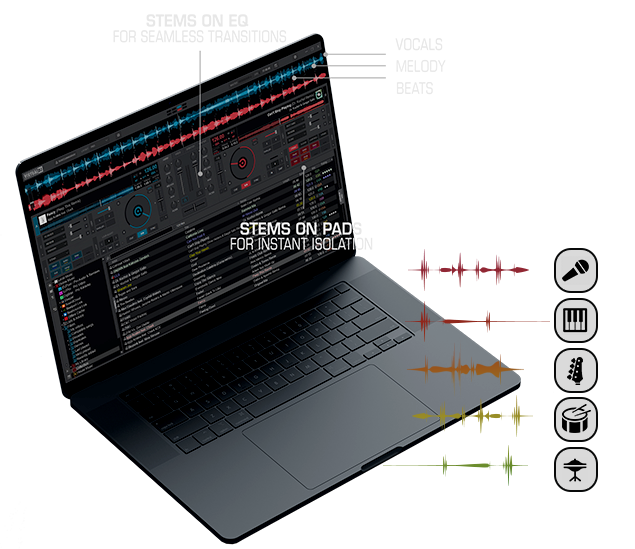
Live stem separation is the feature people keep, and the one that overruns a laptop. The warning means the split is falling behind the playhead.
- Read the message on the deck. If it says the computer might not be able to handle real-time stems, stop treating that track as a live mashup.
- On Windows, open Settings, then Options, then Performances. If a GTX, RTX, or Radeon card is installed, clear Don't use GPU on the stemsFix setting and install that card's current driver.
- Before a gig, drag the tracks you will play into the Stems folder and let preparation finish. The publisher describes leaving that job overnight.
- If the laptop is hot after two or three hours, turn stems analysis off and test the same song. A February 2023 forum report on a Nitro 5 with an i7-11800H and Intel UHD graphics cleared the heat, the latency, and the slow browser that way.
- An unprepared track can still fall back to the lighter stems 1.0 split. Use that only if you have heard it on that song.